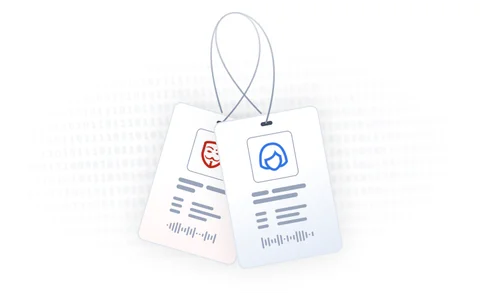
Keep your data secure and your teams focused. By assigning users specific permissions to view, create, or modify data, you ensure that sensitive information — like the ability to adjust prices or offer discounts — is restricted to the right people. The permissions system in Hive CPQ is designed to support complex sales organizations and their distributor network.
To accelerate the setup process, you can start with some common roles and permissions:
- Manufacturer role
For internal users (e.g. allowed to bypass certain validations in the configurators). - Distributor role
For external users (e.g. only allowed to see installation guides and spare parts catalogues). - Admin role
For administrators, have access to nearly everything. - System role
Default role for quick access.
In addition to the predefined roles and permissions, Hive CPQ allows you to create custom security authorizations based on your needs. Say, for instance, that distributor A is allowed to make orders themselves, but distributor B isn’t. In that case, you can simply make two separate roles, one for each distributor company. The power is in your hands and your hands only.